Author: David Browne

  • Fixing Flickity’s issue with iOS15 Safari

    The latest iOS15 update brought with it an issue that has affected the way Flickity behaves in Safari. If you’re using the Flickity library on your site, here is a fix you can add inside of a code block to get the original smooth behavior back for that browser. Note – for OxyExtras users this…

  • Replacing the Price in Products List with a Custom Label if no Stock

    Replacing the Price in Products List with a Custom Label if no Stock

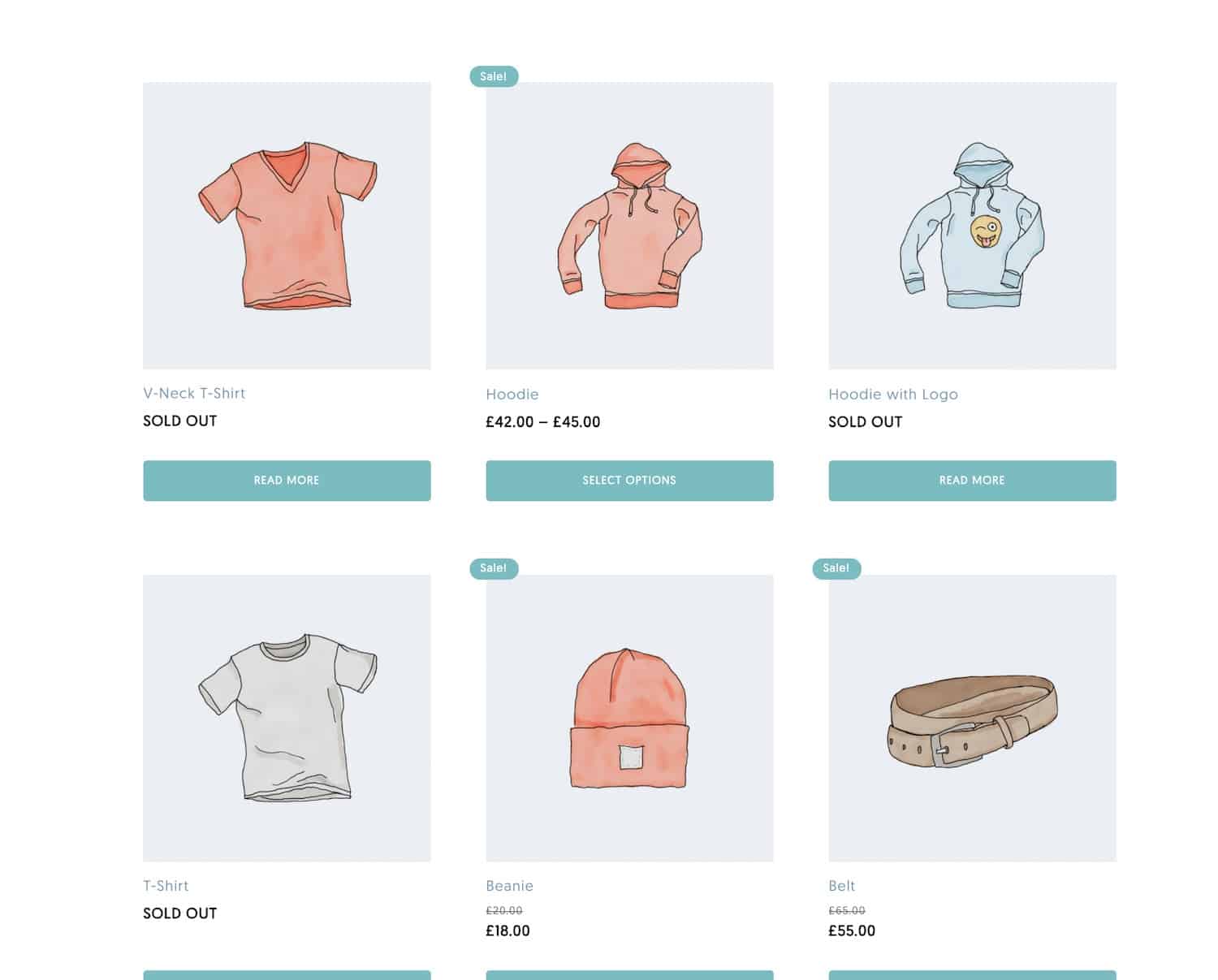
    This members-only tutorial walks through how to edit the output of the Woocommerce Products list component, specifically the price, to swap it out conditionally for our own ‘sold out’ label. This is a premium members-only content. To view the rest of the content, please sign up for membership ($47/month or $599 one-time). Already a member?…

  • Adding Custom Attributes Conditionally in Oxygen

    Adding Custom Attributes Conditionally in Oxygen

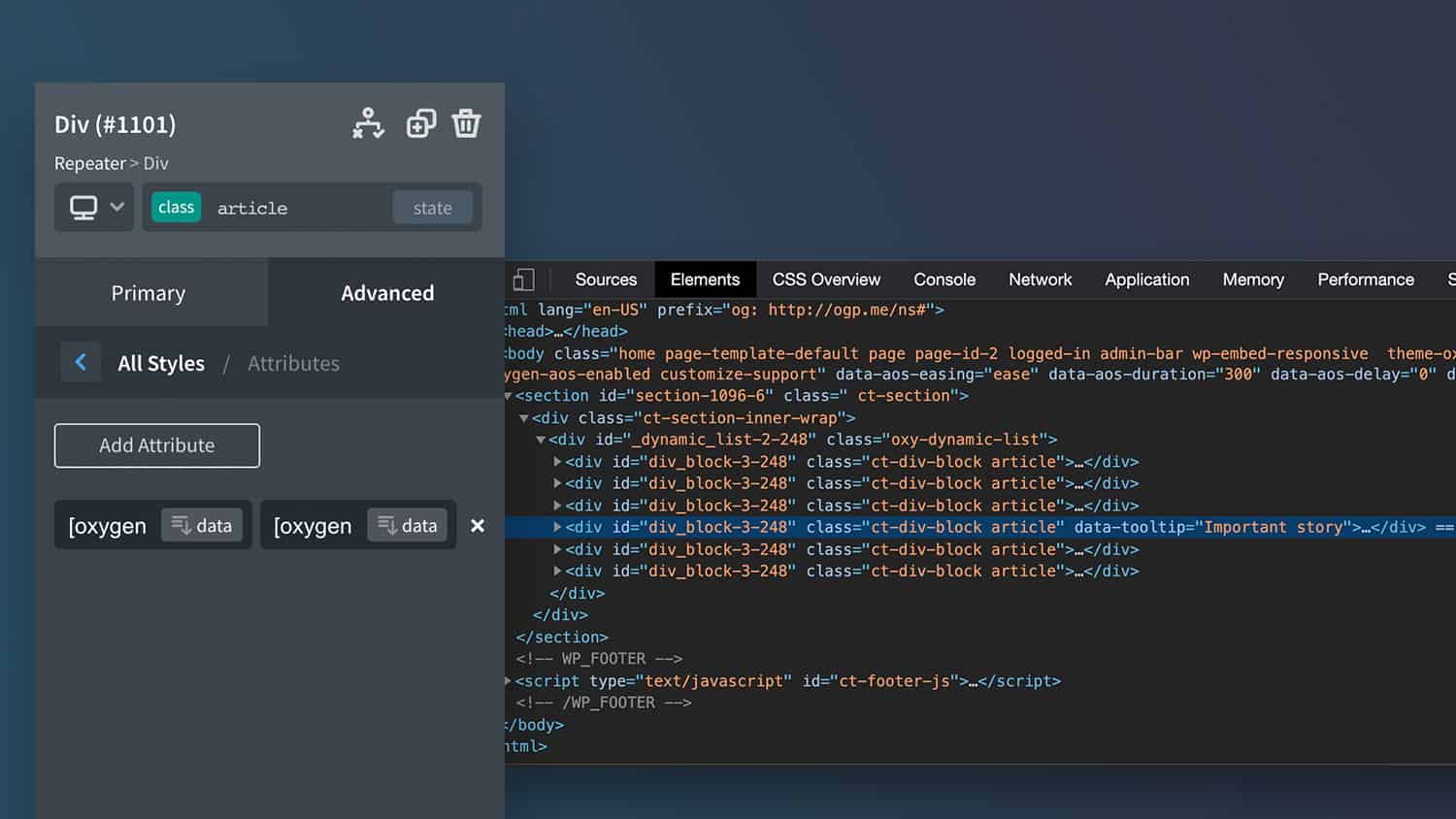
    There will be situations where we only want attributes to be applied to elements conditionally. Maybe inside of a repeater, but only specific posts. Maybe added to a header, but only when we’re on specific pages, etc. In this members-only we’ll look at how we can control when custom attributes are added across our templates…

  • Adding Dynamic Attributes for Unique Styling inside Repeaters

    Adding Dynamic Attributes for Unique Styling inside Repeaters

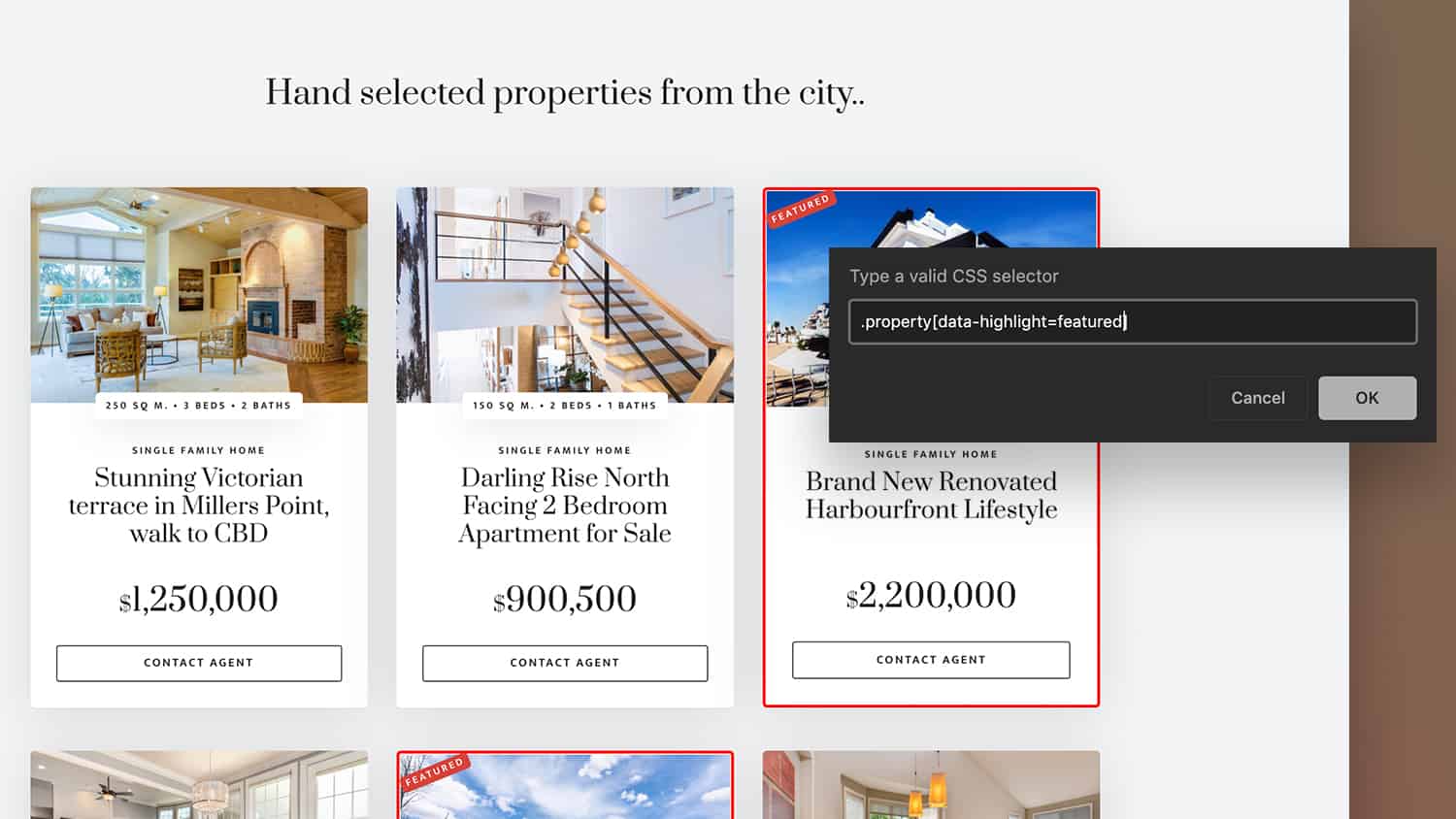
    Being able to style items inside repeaters individually based on certain criteria; custom fields, taxonomies, etc has been something that has been difficult to achieve until now. The new attributes feature in Oxygen v3.5 allows us to add new data into the HTML that is output by Oxygen components. There are a lot of big…

  • Adding an Animated Burger Icon to Oxygen’s Pro Menu

    Adding an Animated Burger Icon to Oxygen’s Pro Menu

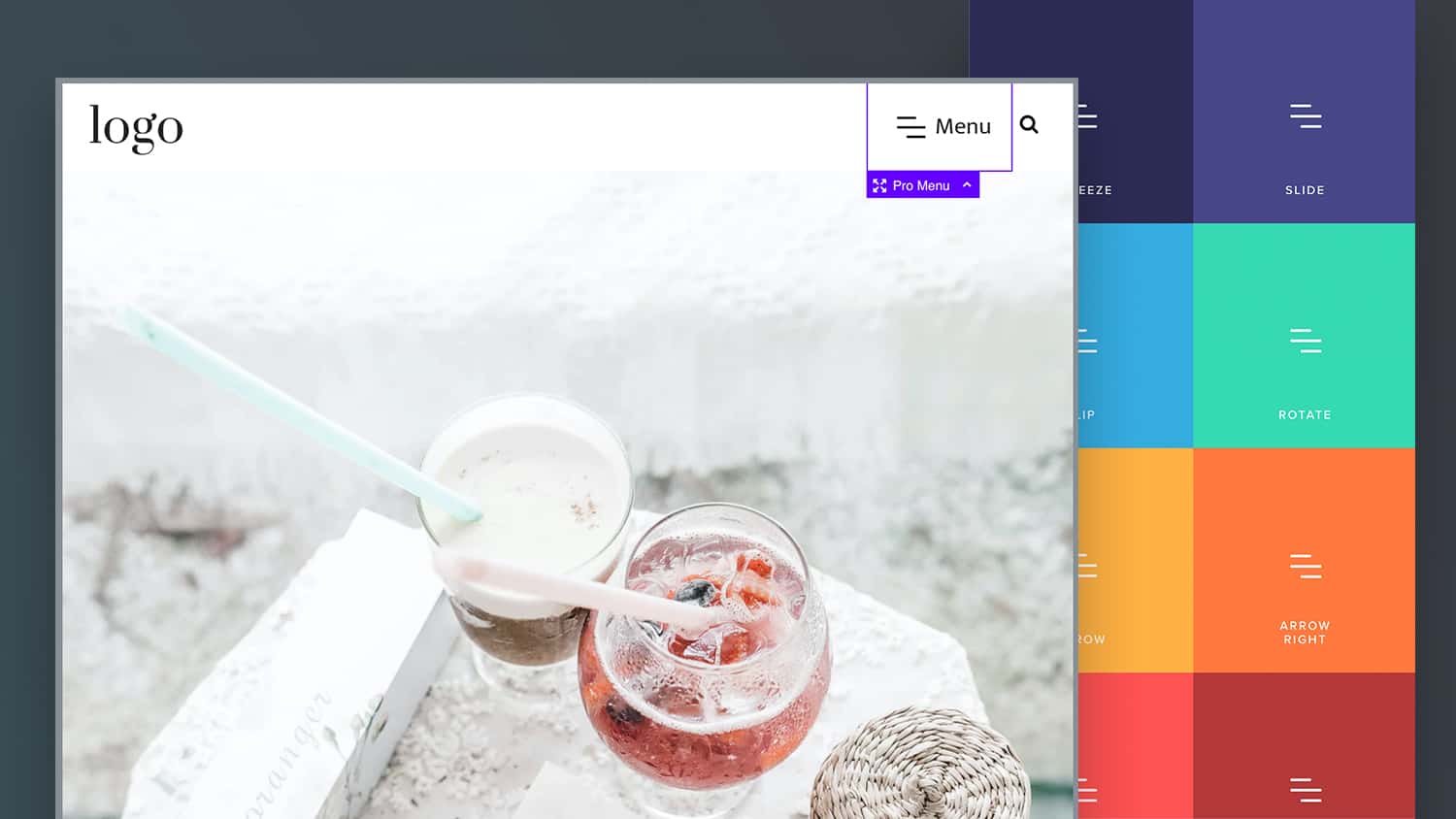
    A common feature of responsive menus, which is missing from the Pro Menu component is an animated burger icon. In this members-only tutorial, we’ll walk through the steps to replace the static SVG icon from the Pro Menu with our own animating burger icon. Live Demo This is a premium members-only content. To view the…

  • Conditionally Output Elements if Nth Position inside a Repeater (ACF)

    Conditionally Output Elements if Nth Position inside a Repeater (ACF)

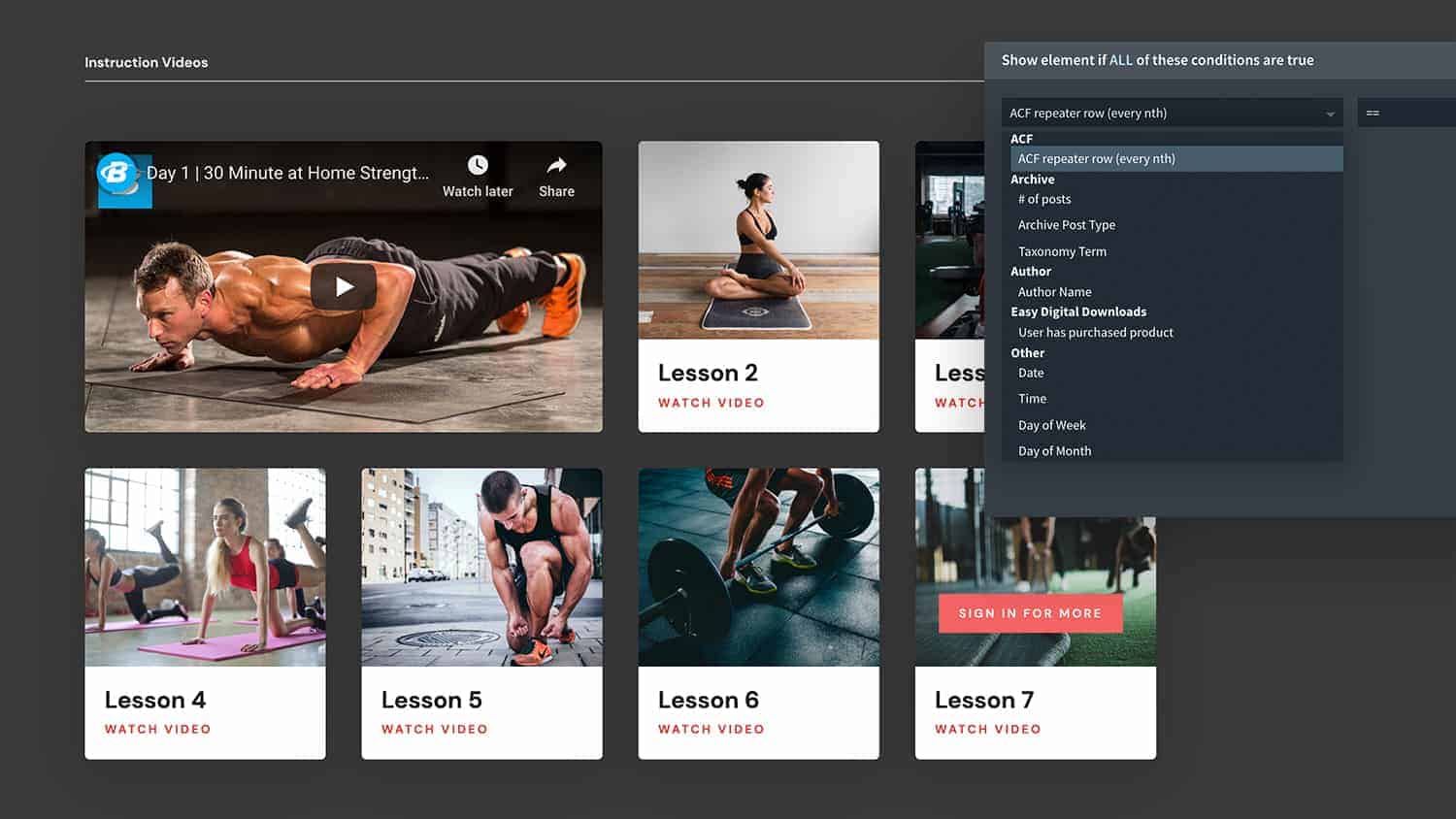
    When using Oxygen’s repeater component with ACF repeater fields, sometimes we may not want to have every element appear in every row and may need them to be output conditionally depending on the row position. There are a few reasons we may need to do this, some of these could be.. We have an alternating…

  • How to Add Custom Attributes to the Body Element in Oxygen

    How to Add Custom Attributes to the Body Element in Oxygen

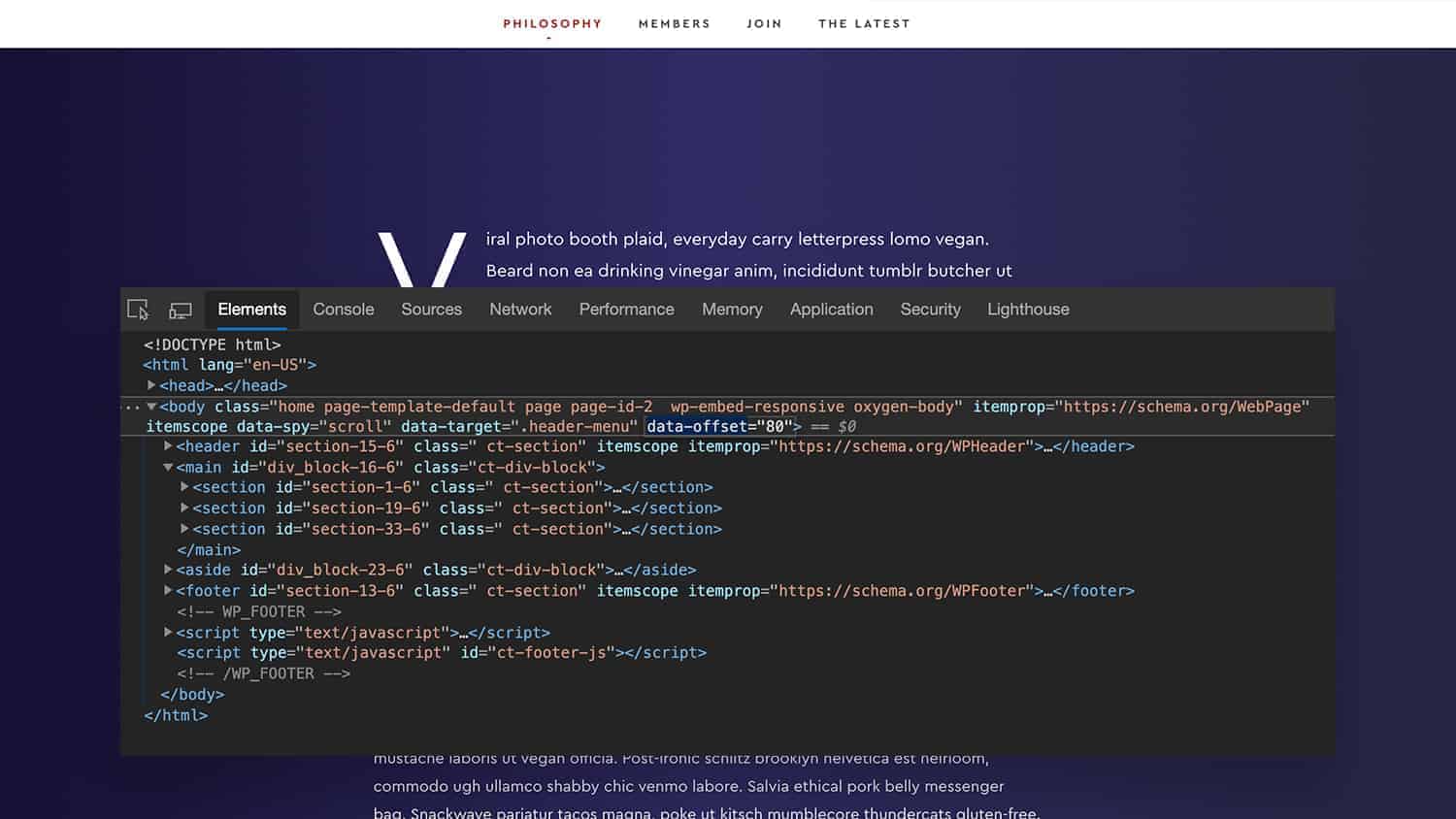
    Custom attributes are the latest feature to be announced in Oxygen 3.5, this provides us with an easy way to add extra data to elements in Oxygen. Custom attributes are useful for lots of reasons, but one thing we aren’t able to do from inside the Oxygen UI is to add custom attributes to the…

  • How to turn any if/else statement into an Oxygen Condition (EDD example)

    How to turn any if/else statement into an Oxygen Condition (EDD example)

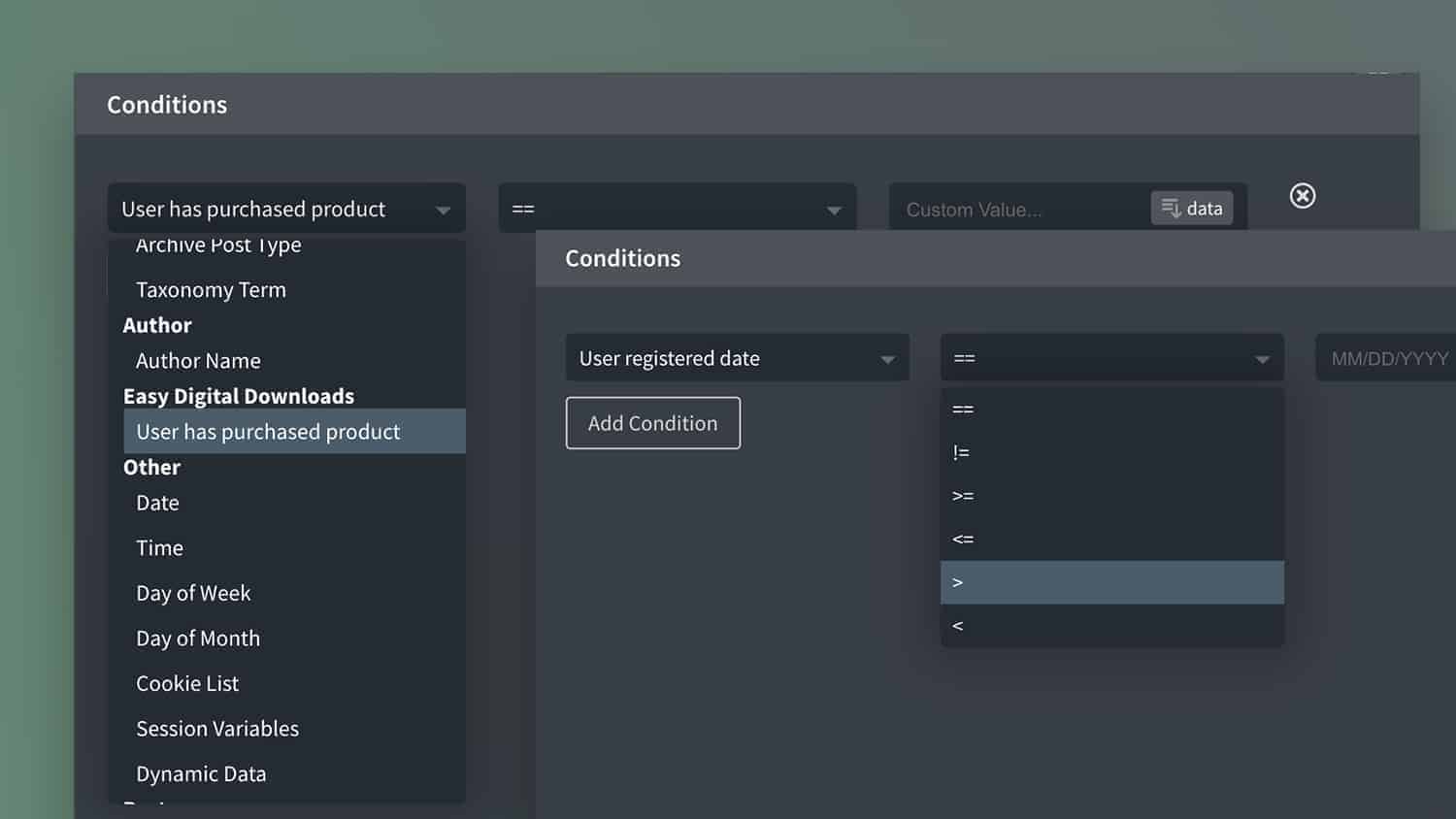
    There are essentially infinite number of possible conditions to add to Oxygen with the API. This members-only tutorial will walk through the logic of creating your own condition if you already know the if/else PHP conditional statement and want to add as an option in the conditions dropdown. Note – for many things we can…

  • How to Add Skip Links in Oxygen

    How to Add Skip Links in Oxygen

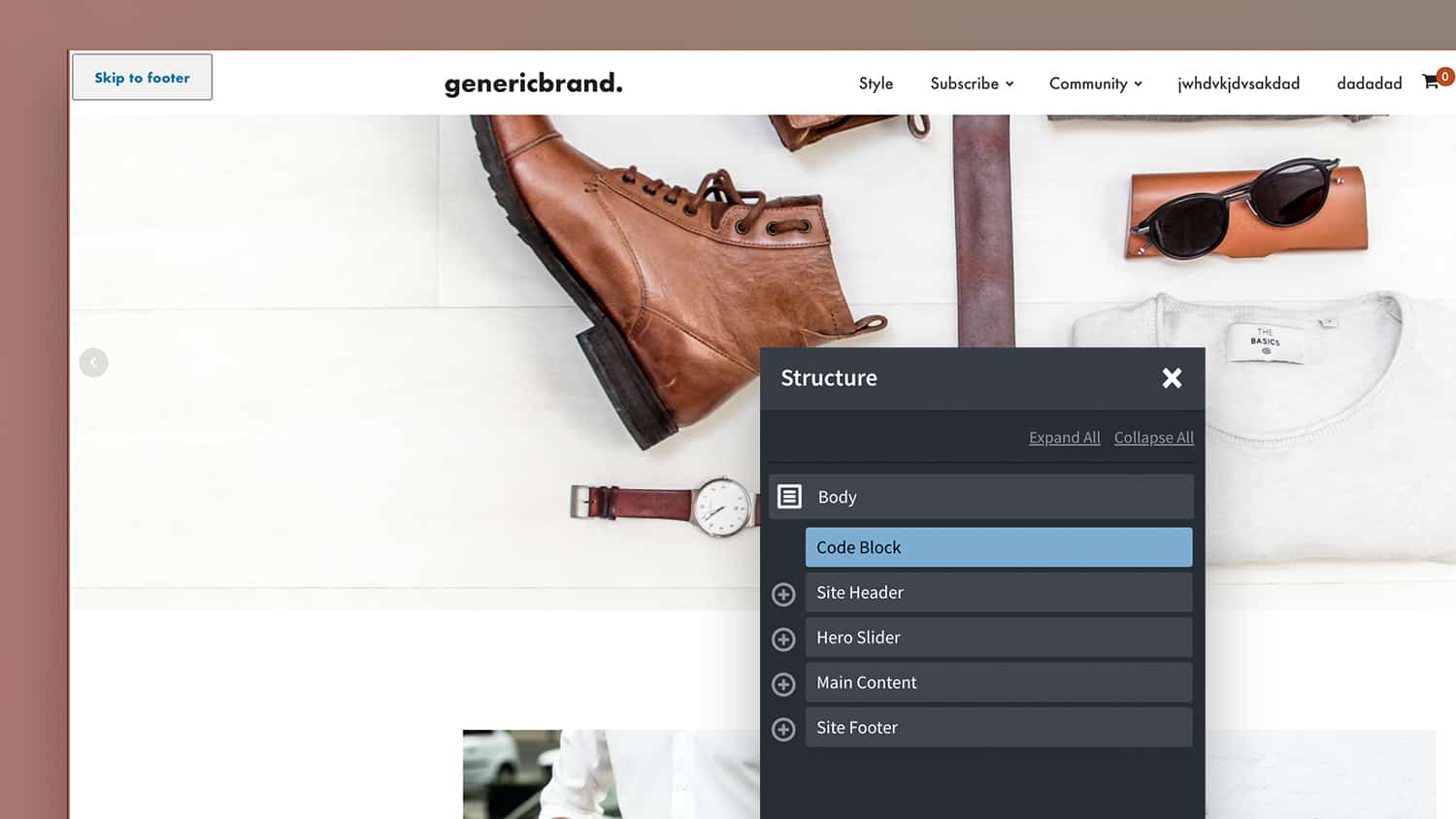
    Skip links provide keyboard users a way to more easily navigate to parts of the page without having to tab through every single link. The idea is to include some hidden hashlinks at the very top of the site, which will become visible only once the user presses the tab key after first landing on…

  • Closing All Tabs on Page Load in Oxygen

    Closing All Tabs on Page Load in Oxygen

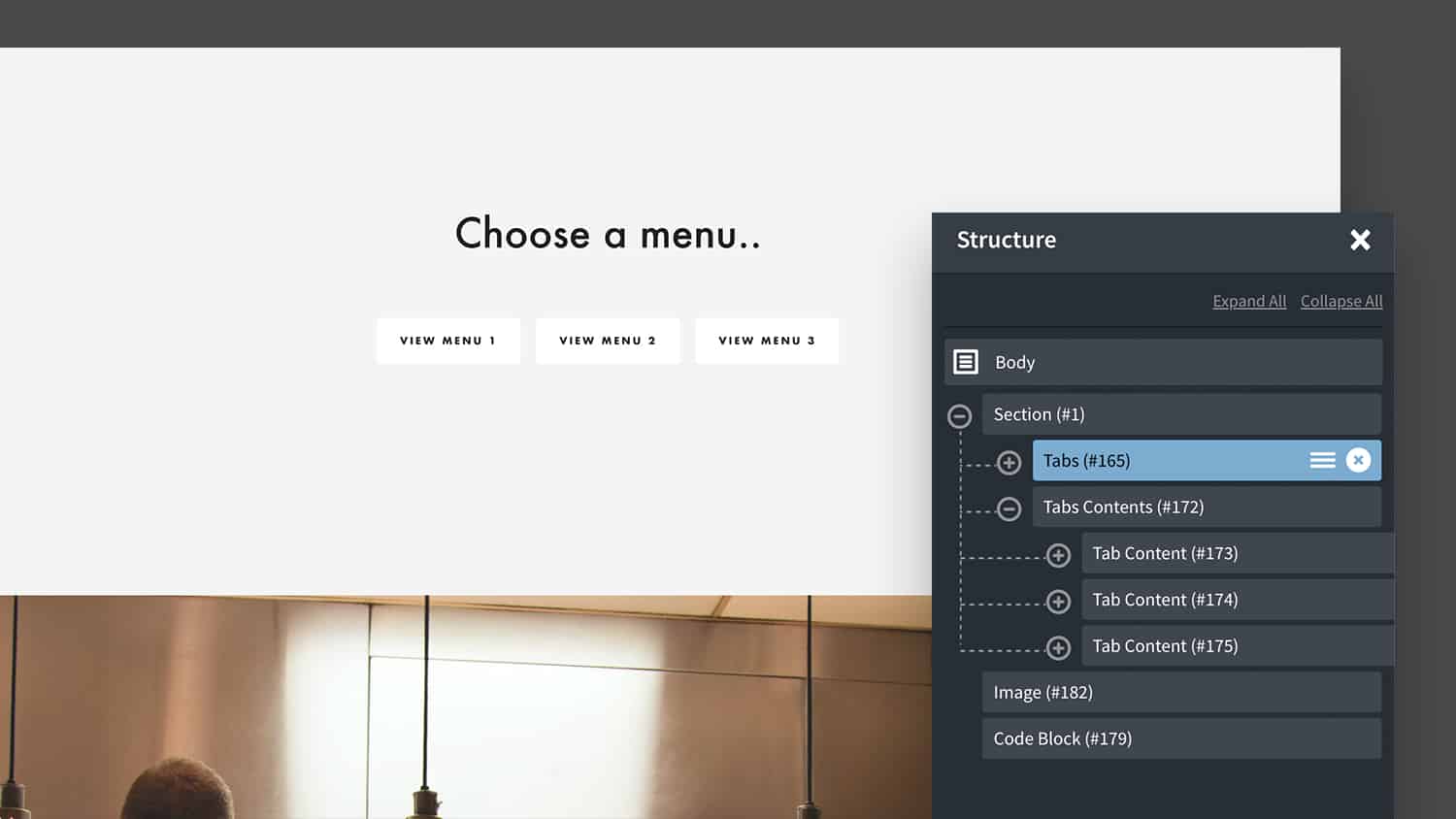
    By default, when using Oxygen’s tabs component, the first tab’s content is visible when the page loads. In this members-only tutorial we’ll look at how to set it up so all the tabs content are closed by default. The way Oxygen hides the content inside the tabs is to add a class ‘oxy-tabs-contents-content-hidden’ to all…

  • Vertical & Horizontal Timelines with Oxygen’s Repeater

    Vertical & Horizontal Timelines with Oxygen’s Repeater

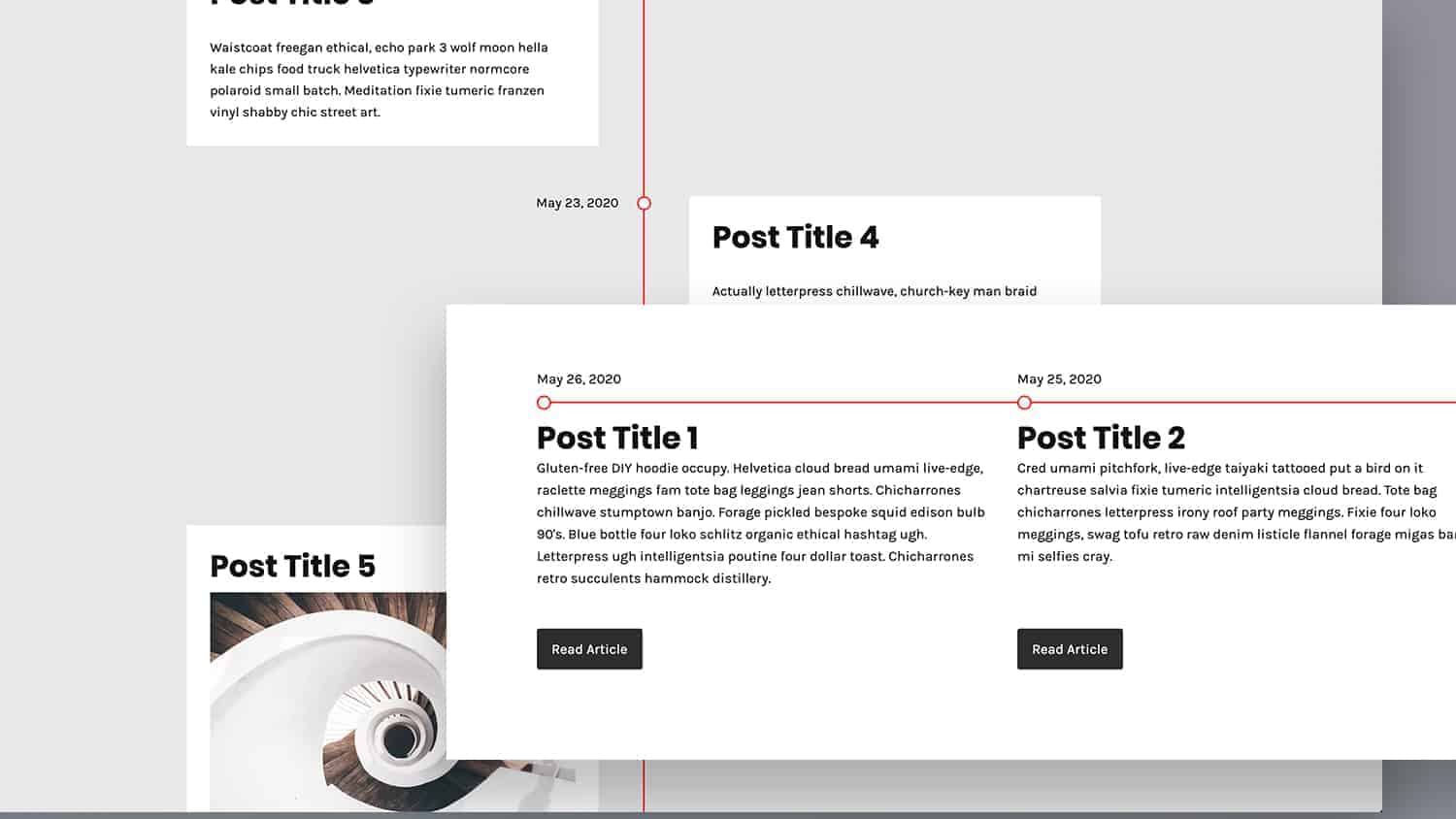
    Here are some base styles for creating timelines using Oxygen’s repeater element. The styles here are just to create the main structure, using pseudo elements for the timeline and the dots, all of which are easily customised via the provided CSS variables. As we’re using the repeater, the individual posts and content can be styled…

  • Applying 3d Parallax Effect to Galleries in Oxygen

    Applying 3d Parallax Effect to Galleries in Oxygen

    Updated on October 05, 2020 In this members-only tutorial we’ll walk through how to create a 3d gallery using Oxygen’s gallery component where the images are moving relative to the cursor position. Live Demo This type of parallax gallery where it feels like we’re ‘peering through frames at images’ was inspired by the portfolio of…

  • Adding Charts in Oxygen with ACF Repeater fields & Chart.js

    Adding Charts in Oxygen with ACF Repeater fields & Chart.js

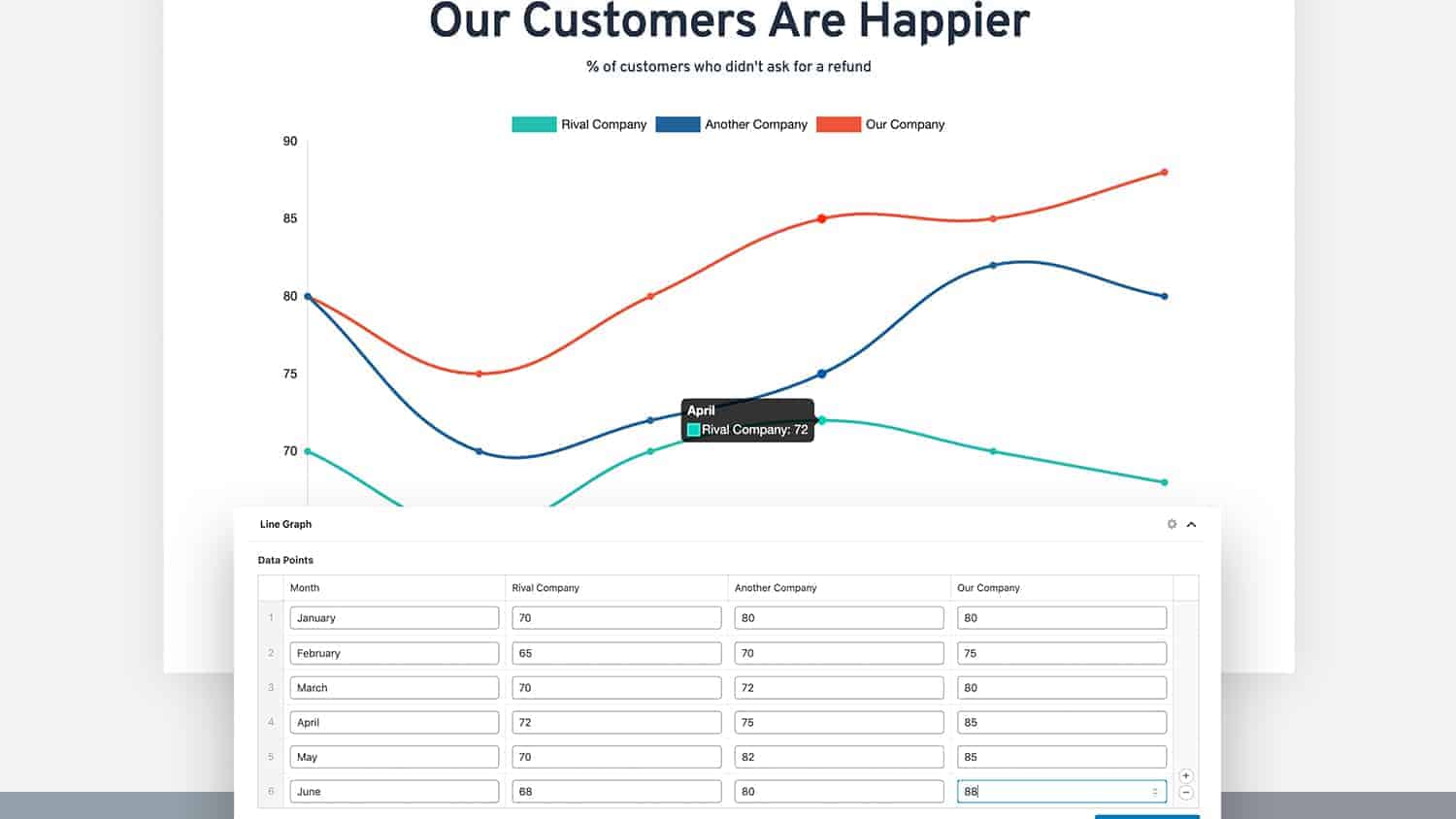
    In this members-only tutorial we’ll look at how we can take data from ACF repeater fields to add charts to pages using Chart.js in Oxygen. Live Demo Here chart.js is doing all the hard work for us building the dynamic charts. The main point of this tutorial is to go through how we can use…

  • Cheatsheet: The Order that CSS is Applied in Oxygen

    Cheatsheet: The Order that CSS is Applied in Oxygen

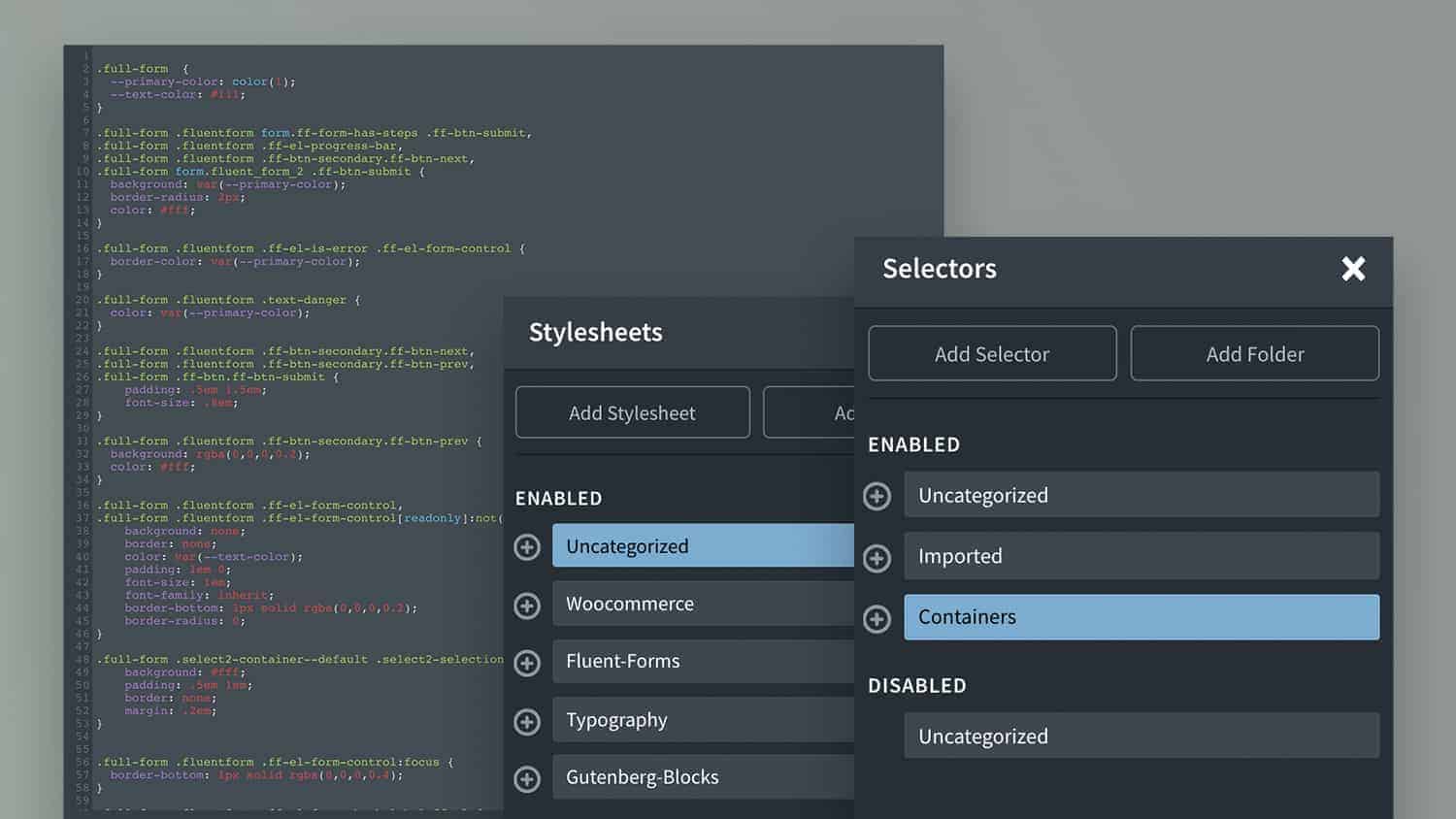
    There isn’t currently a way to manage the priority of the CSS in Oxygen by reordering the selectors as they come from the various stylesheets. Understanding how the CSS is added by default can be helpful if something isn’t quite working as expected. There are lots of different ways to apply CSS in Oxygen and…

  • [Condition] Post Inside Repeater is Prev / Next to Current Post

    [Condition] Post Inside Repeater is Prev / Next to Current Post

    Following on from the tutorial on how to visually build adjacent post links with the repeater component. In this members-only tutorial we’ll go through adding a custom condition that allows us add elements based on if the post is either the previous or next post. An example use case for this is if we wanted…

  • [Condition] True / False Field from ACF Options Page

    [Condition] True / False Field from ACF Options Page

    This is a premium members-only content. To view the rest of the content, please sign up for membership ($47/month or $599 one-time). Already a member? Log in below or here.

  • Combining Multiple Menus into one Responsive Menu in Oxygen

    Combining Multiple Menus into one Responsive Menu in Oxygen

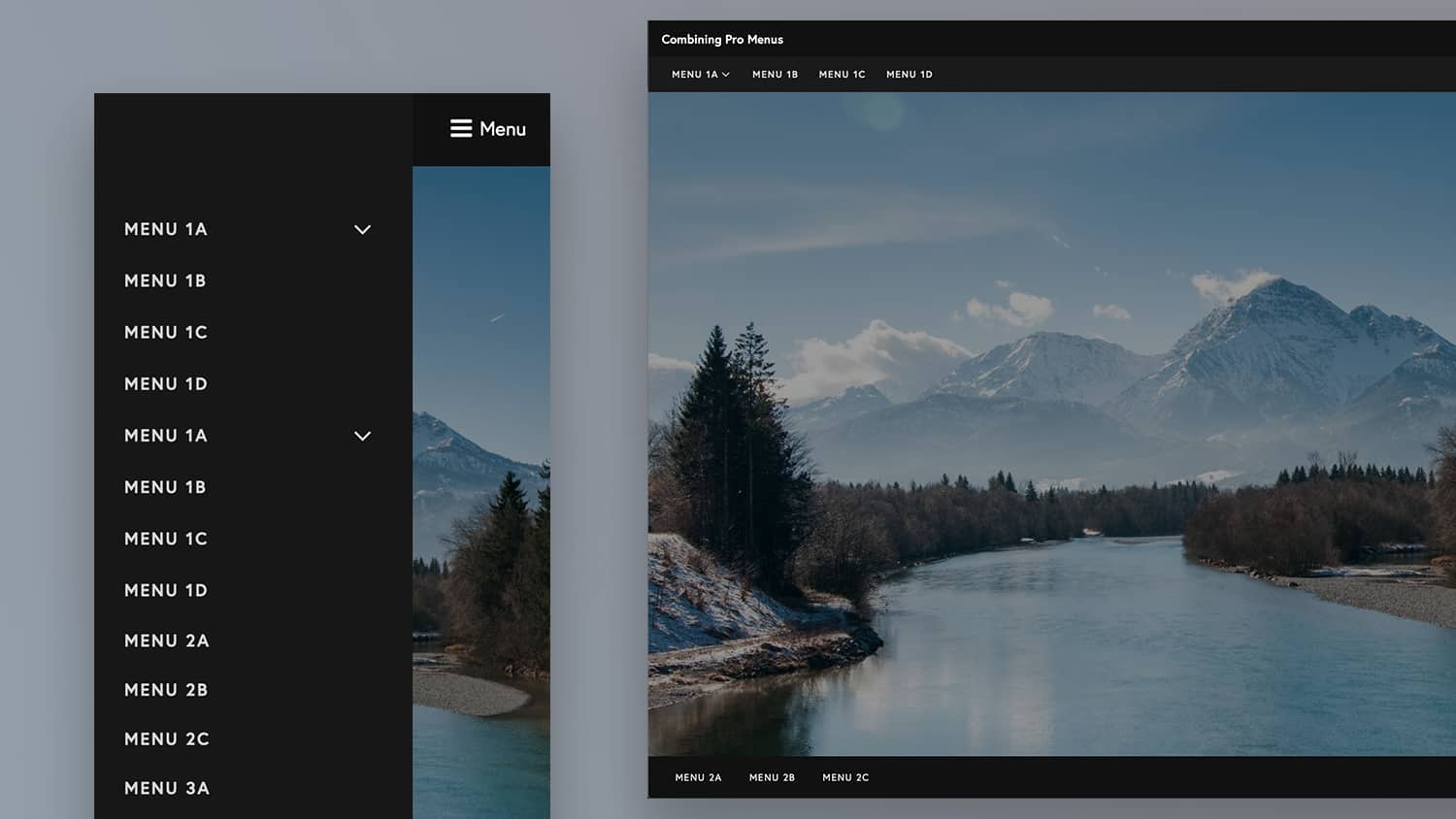
    It’s common to have multiple menus on a page, but having multiple burger toggle buttons on mobiles can be confusing and look messy. In this members-only tutorial we’ll walk through how we create just one responsive menu containing menu items from multiple different menus. Live Demo Not all menus on the page will have menu…

  • Turning Oxygen’s Tabs into Accordion for Mobiles

    Turning Oxygen’s Tabs into Accordion for Mobiles

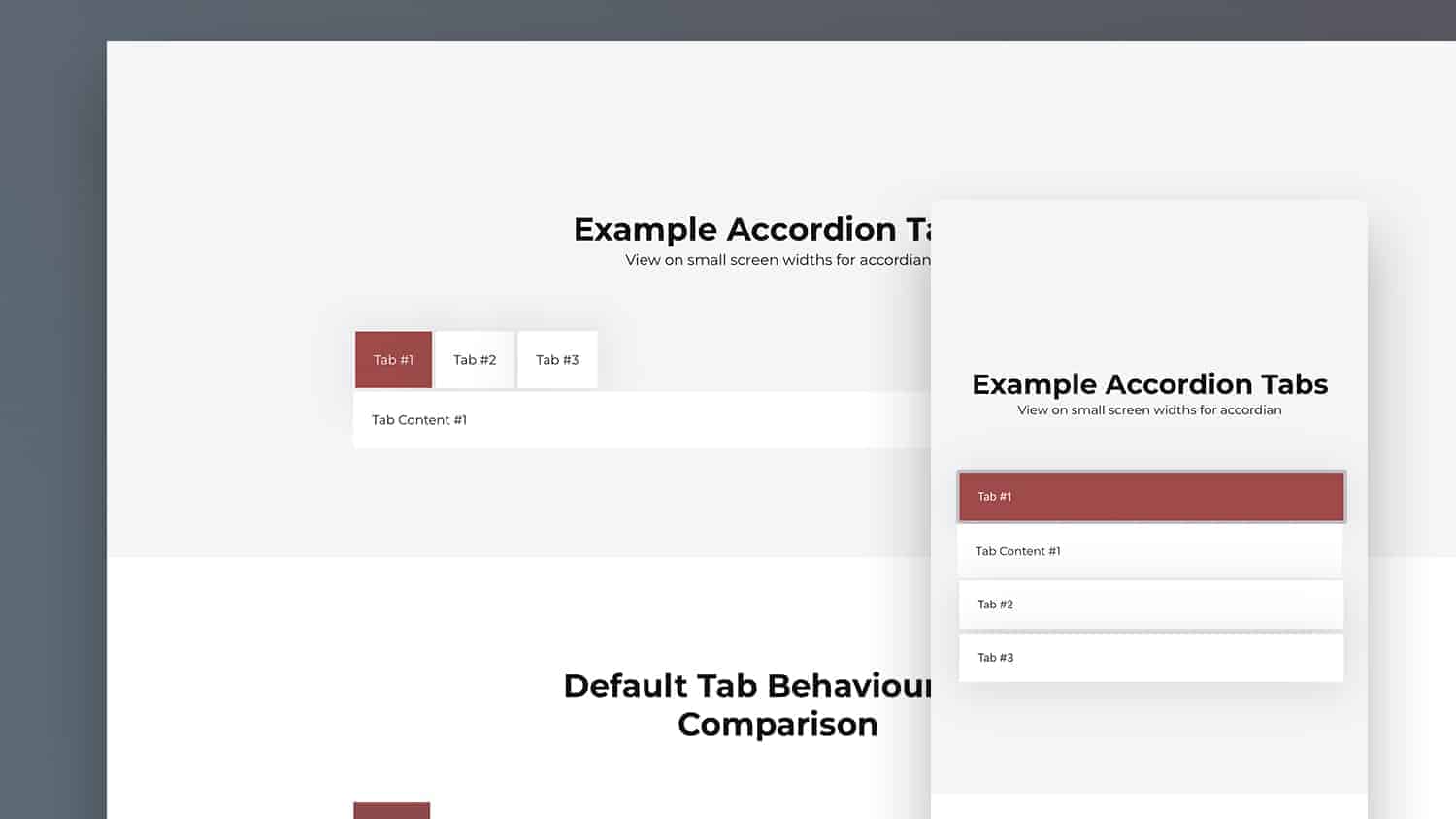
    In this members-only tutorial we’ll look at how to give the Oxygen tabs component accordion functionality for smaller screen sizes (with the breakpoint set by the user in Oxygen) Live Demo Accordions are much more mobile-friendly than tabs, but basically solve the same problem of hiding away some content until the user clicks to reveal…

  • Image Distortion Hover Effects in Oxygen

    Image Distortion Hover Effects in Oxygen

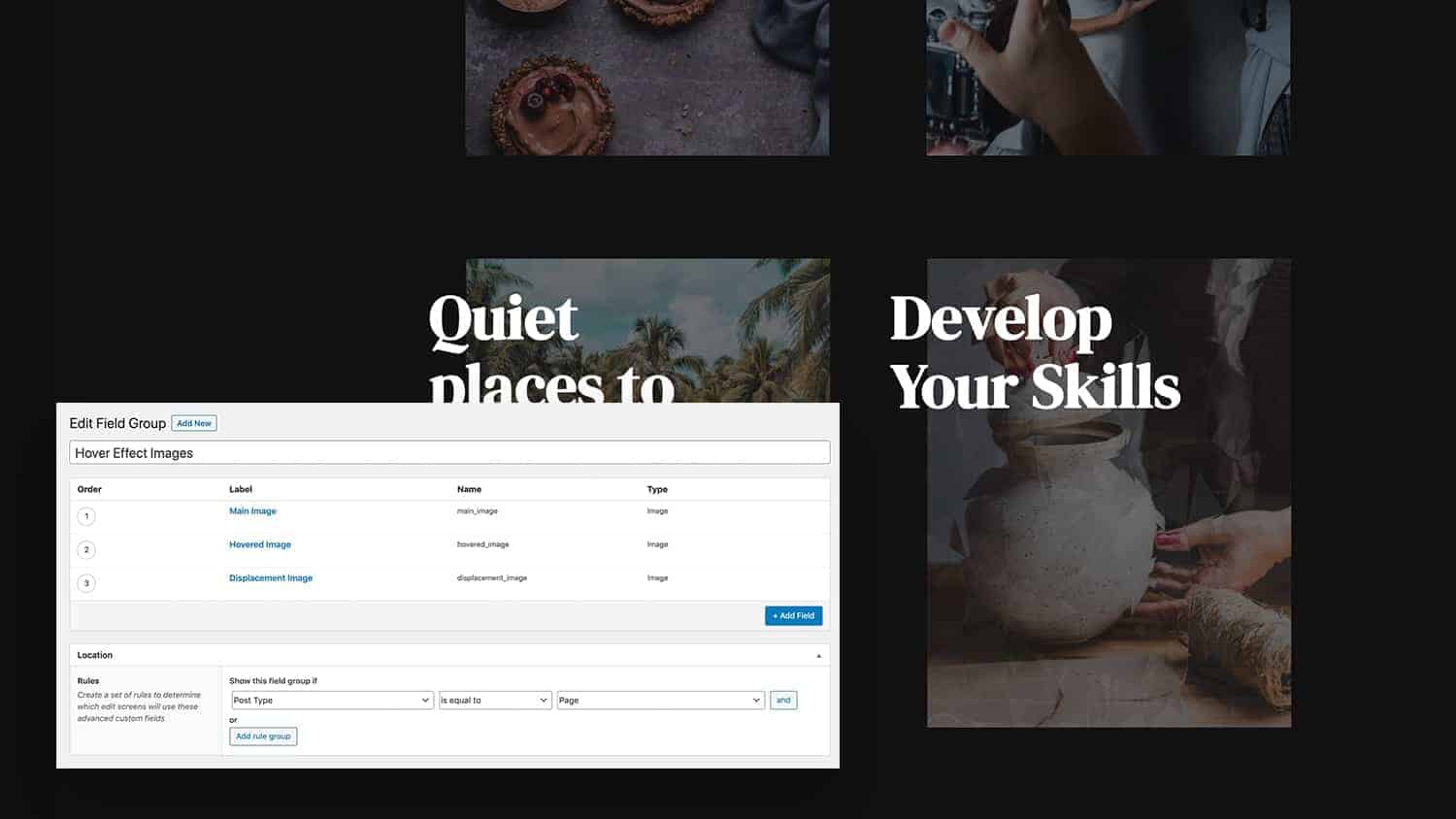
    In this members-only tutorial we’ll walkthrough implementing distortion hover effects using the hover-effect js library. We’ll be using the repeater component, displaying featured pages with images coming from custom fields. Live Demo You can see the effect out in the wild on https://digitalpresent.io/ & http://vadimtyurin.com/ The hover effect library This hover effect library isn’t for…

  • Post Slug Condition in Oxygen

    Post Slug Condition in Oxygen

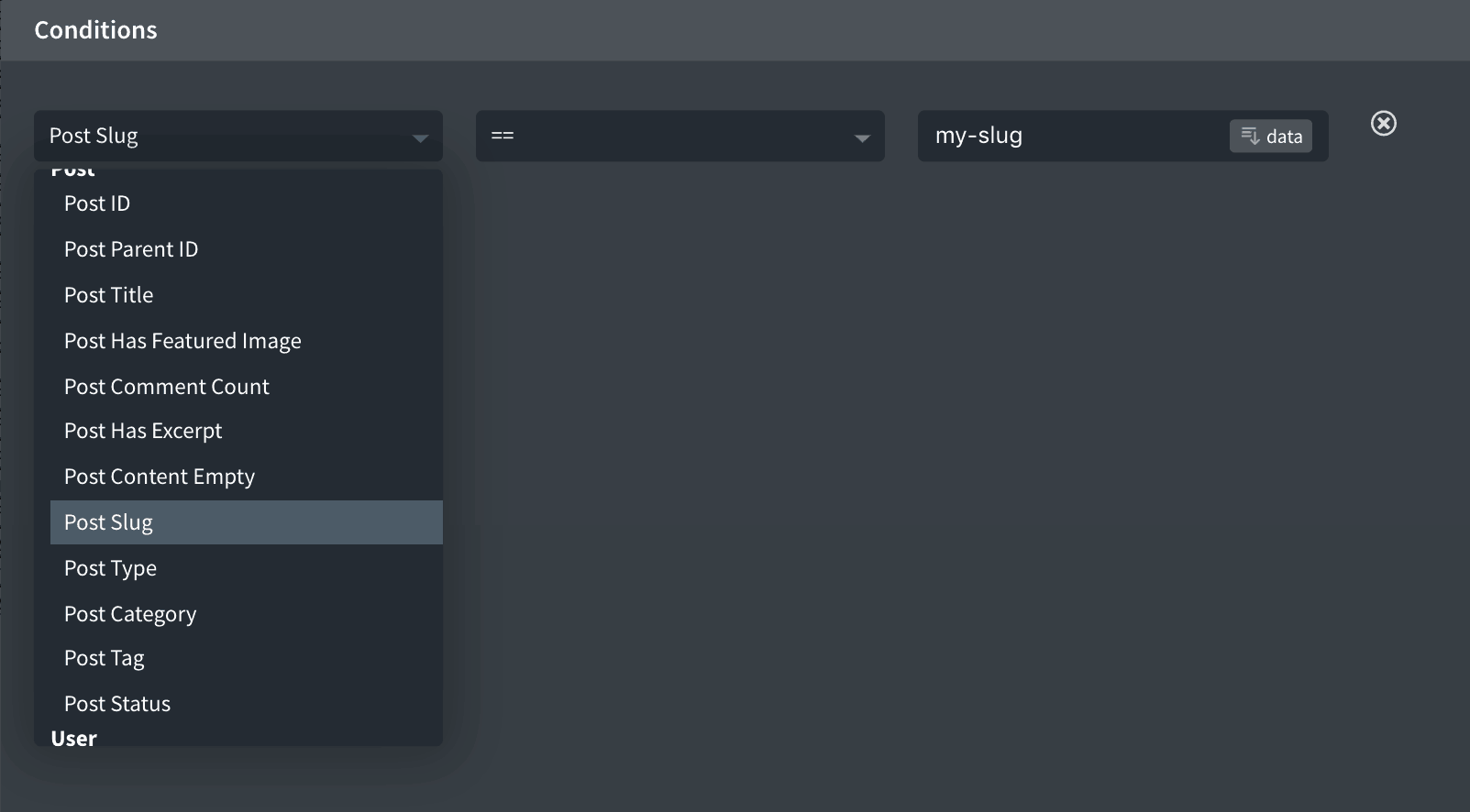
    This tutorial provides the steps to register a custom condition so element’s can be output based on the slug of the current post / page. Step 1 Install and activate Code Snippets plugin. Go to Snippets > Add New. Title: Post Slug Condition Set the snippet to run everywhere. Save changes and activate. The condition will be found under ‘Post’. If…