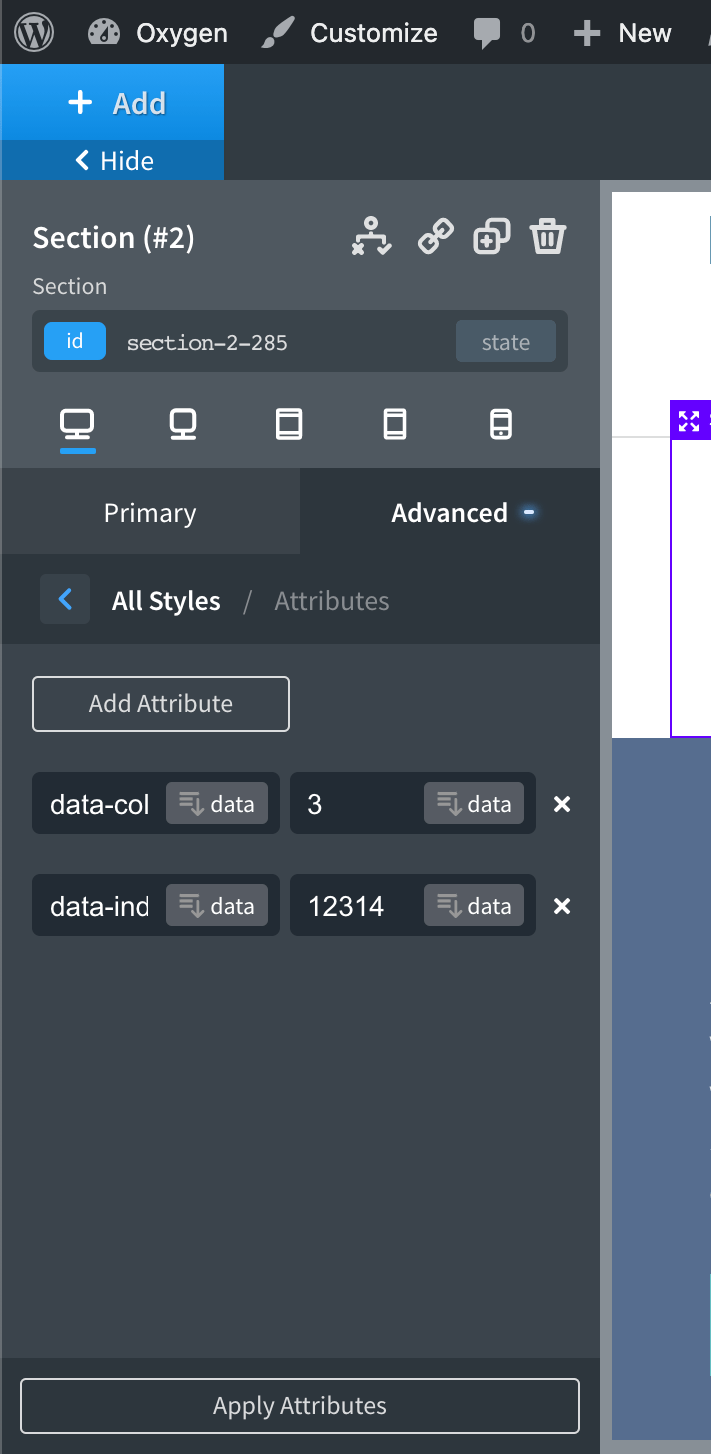
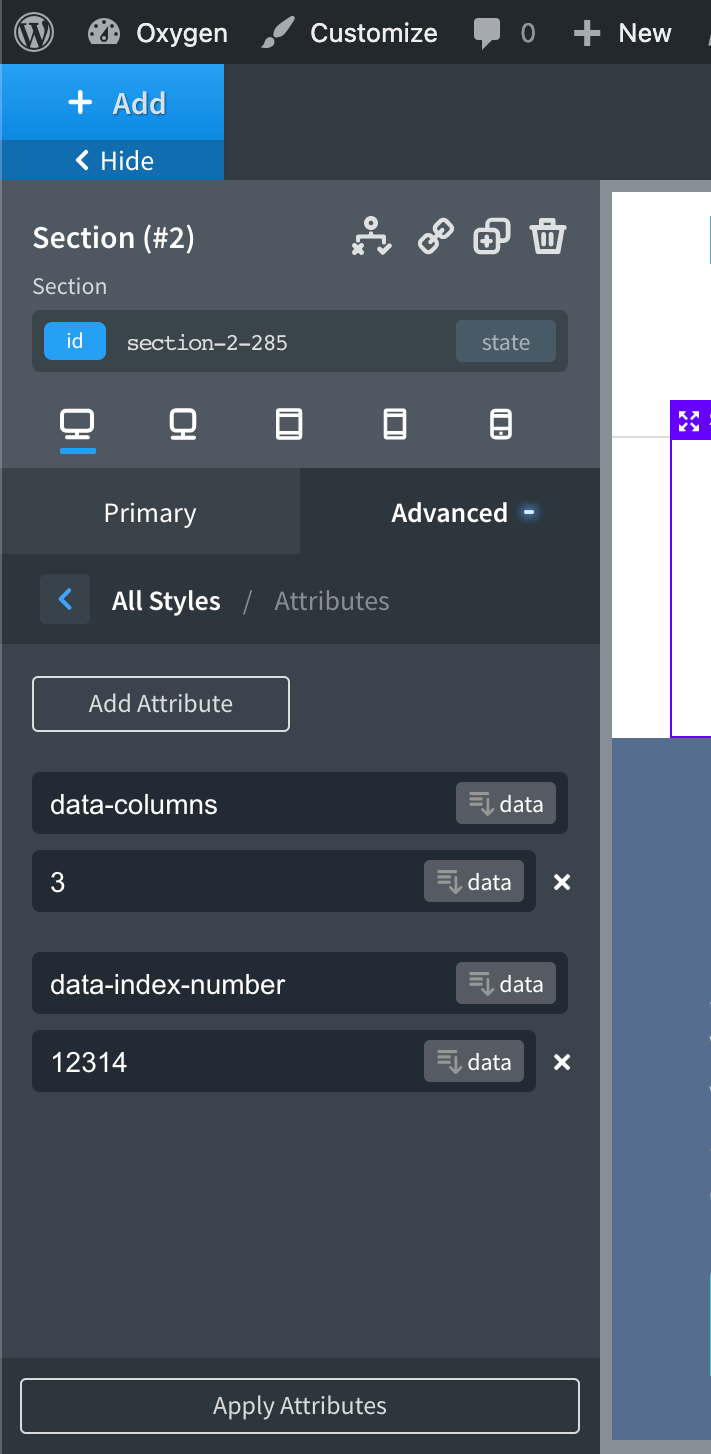
Wish custom data attribute name and value fields in the Oxygen editor take up full width in the left panel so you don’t have to scroll to see the text in them?
Before
After
Here’s How
Install and activate Code Snippets plugin.
Go to Snippets > Add New.
Title: Make data attribute name and value fields wider
Code:
add_action( 'oxygen_enqueue_ui_scripts', function() {
	// if this is not an Oxygen editor page, abort.
	if ( ! defined( 'SHOW_CT_BUILDER' ) ) {
		return;
	}

	// if this is the Oxygen's iframe, abort.
	if ( defined( 'OXYGEN_IFRAME' ) ) {
		return;
	}

	$css = '
		.custom-attributes .oxygen-control-wrapper {
			flex-basis: auto;
		}
		';

	wp_add_inline_style( 'oxygen', $css );
} );
Leave a Reply