Mindblown: a blog about philosophy.
-
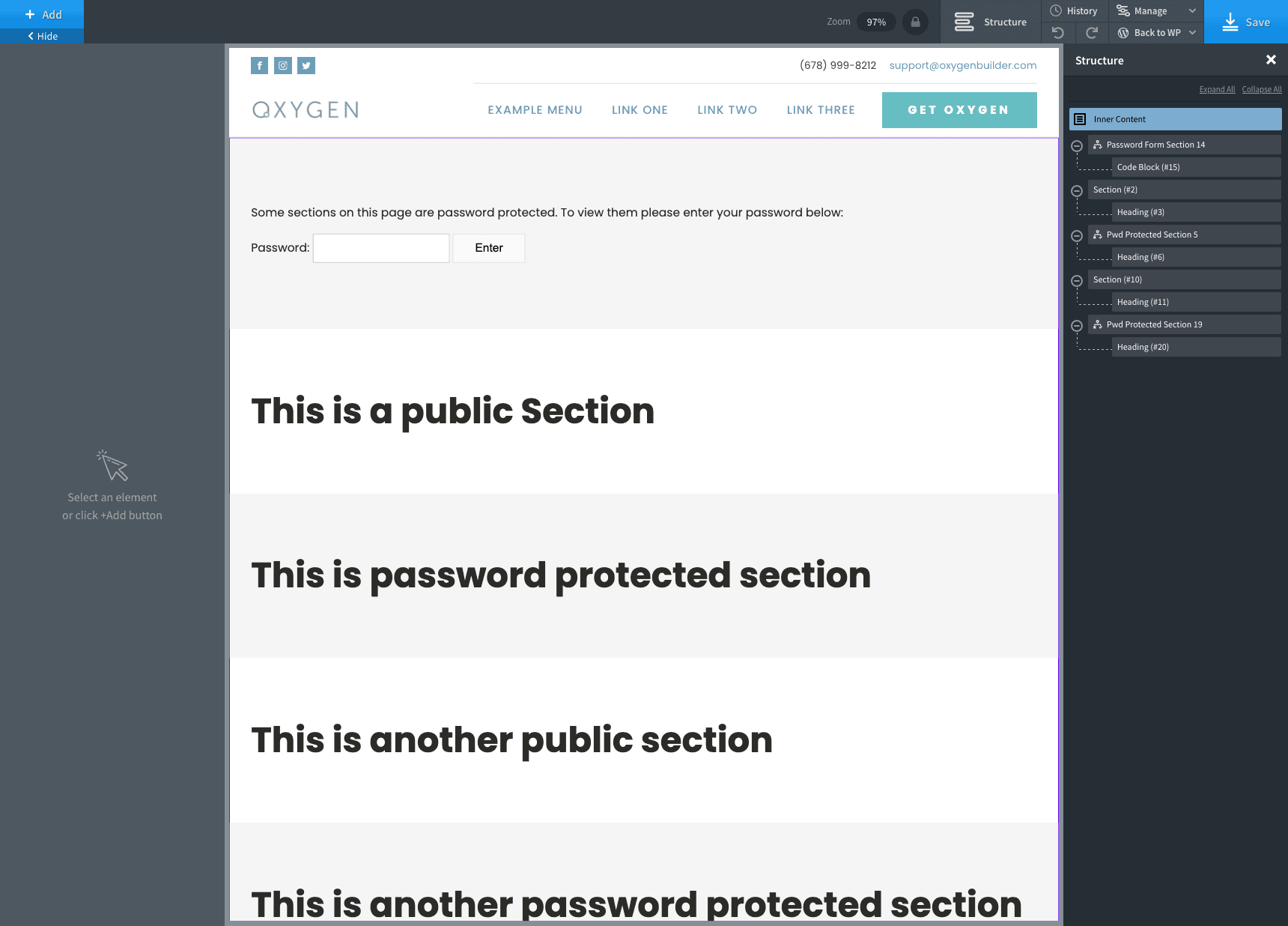
How to Password Protect Multiple Sections on Pages in Oxygen
This members-only tutorial provides the steps to use Post Password Protected condition for outputting multiple sections/elements on a Page only after the visitor enters the correct password. The concept is similar to the earlier Password Protecting Pages built with Oxygen tutorial. Step 1 Register the Post Password Protected condition (implement Step 1). Step 2 To password protect…
-
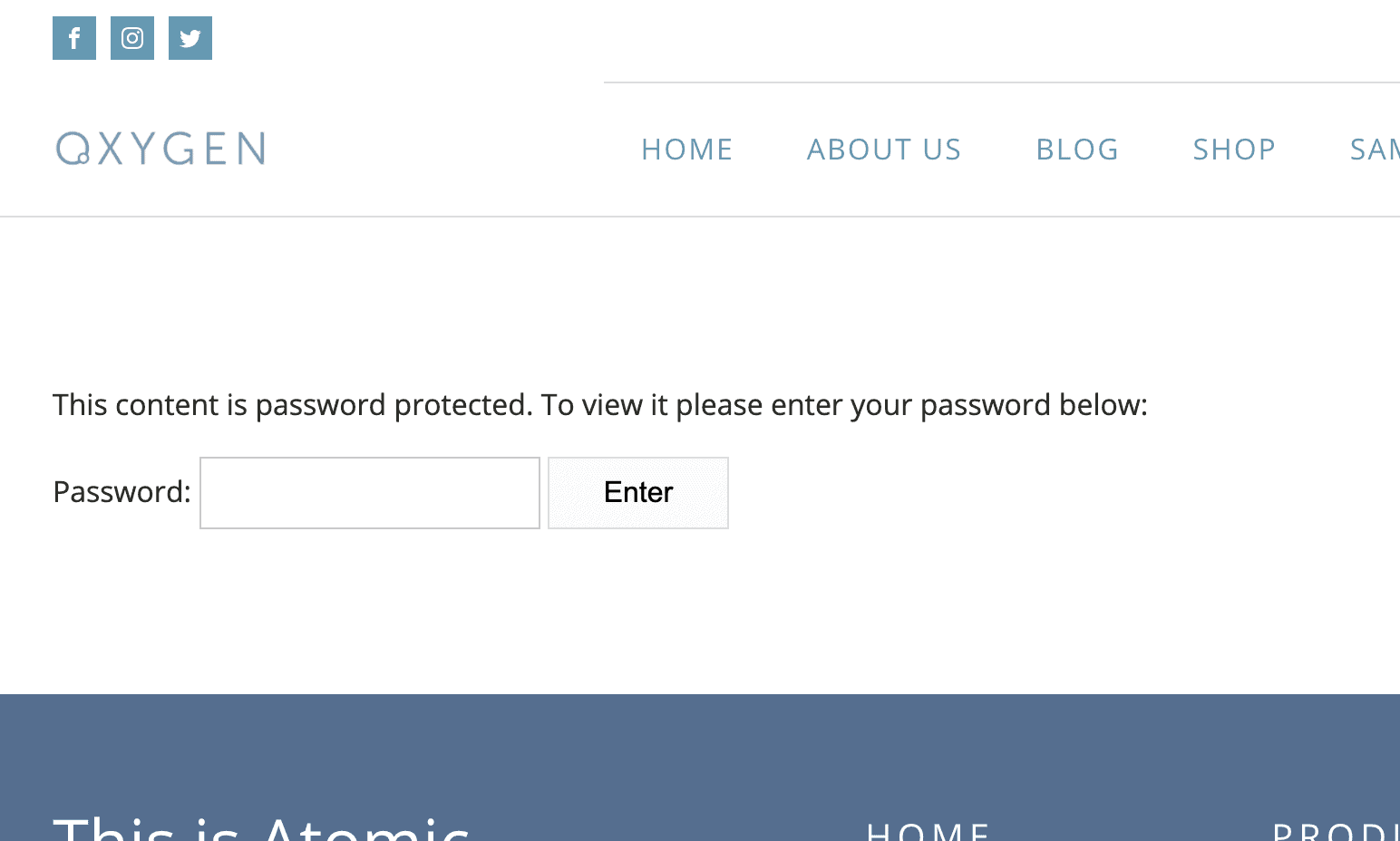
Password Protecting Pages built with Oxygen
This members-only tutorial provides the steps to make WordPress built-in password protection feature work for individual Pages that have been built with Oxygen. When the Page is visited it will initially show the password form. After the correct password has been entered and the form submitted, the actual Page content will appear. Step 1 Register…
-
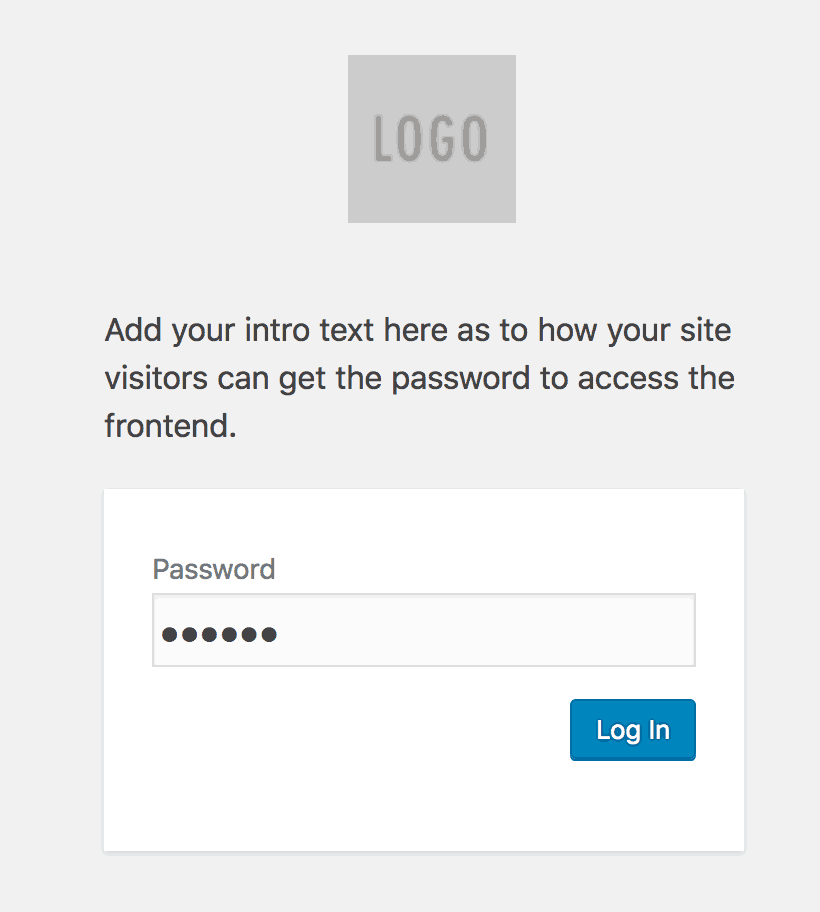
How to Password Protect entire WordPress site
Updated on September 10, 2018 In the Oxygen Facebook group a user asks: I’m designing a members-only site for clients who purchased my book. Is there a nice way to present a “password” field? I don’t need a full membership plugin, since there’s no way (currently) to purchase the membership access. You have to have…
Got any book recommendations?