
This members-only tutorial provides the steps to add and show WordPress menu items descriptions in Oxygen.

Step 1
Go to Appearance > Menus and edit your desired menu.
Click on "Screen Options" at the top right and tick Description.
Enter description text for the menu items.
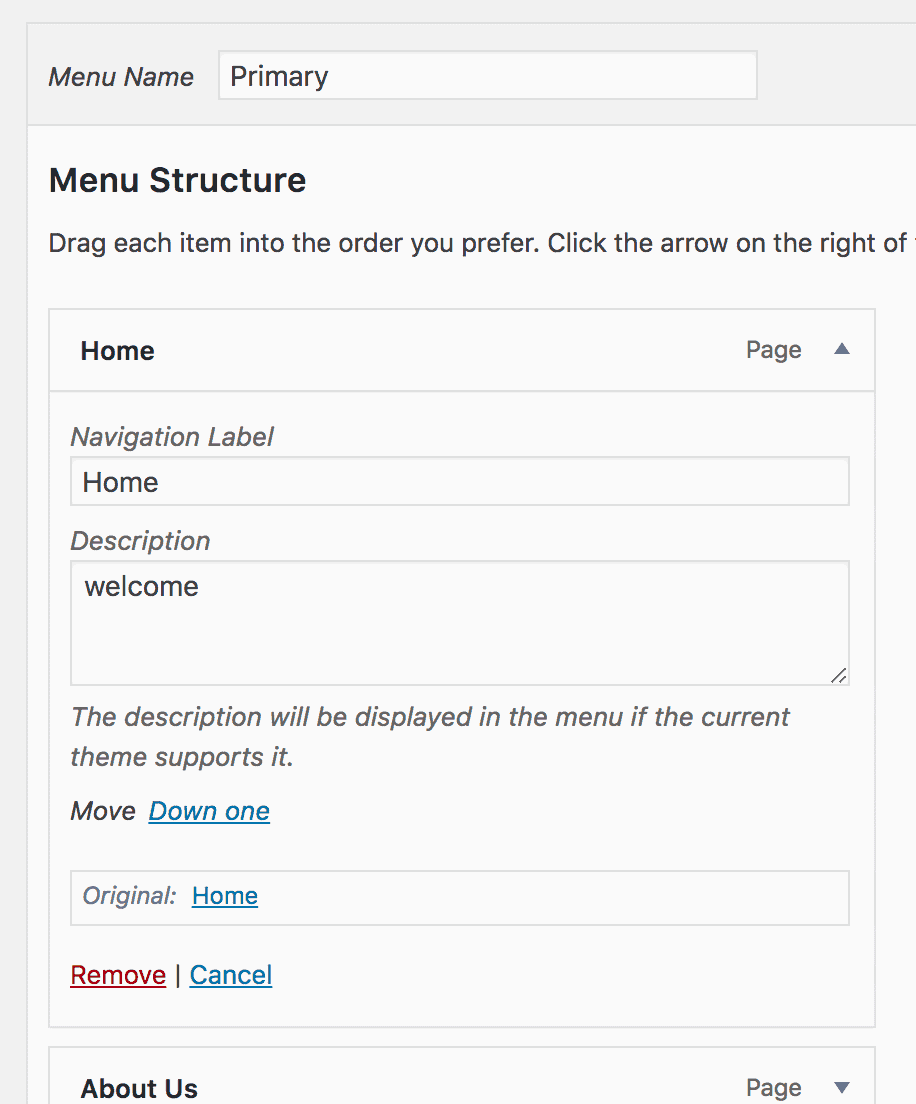
Save the menu.
Step 2
Install and activate Code Snippets plugin.
Add a new Snippet having the title of say, "Add WordPress Menu Item Descriptions" and the following code: