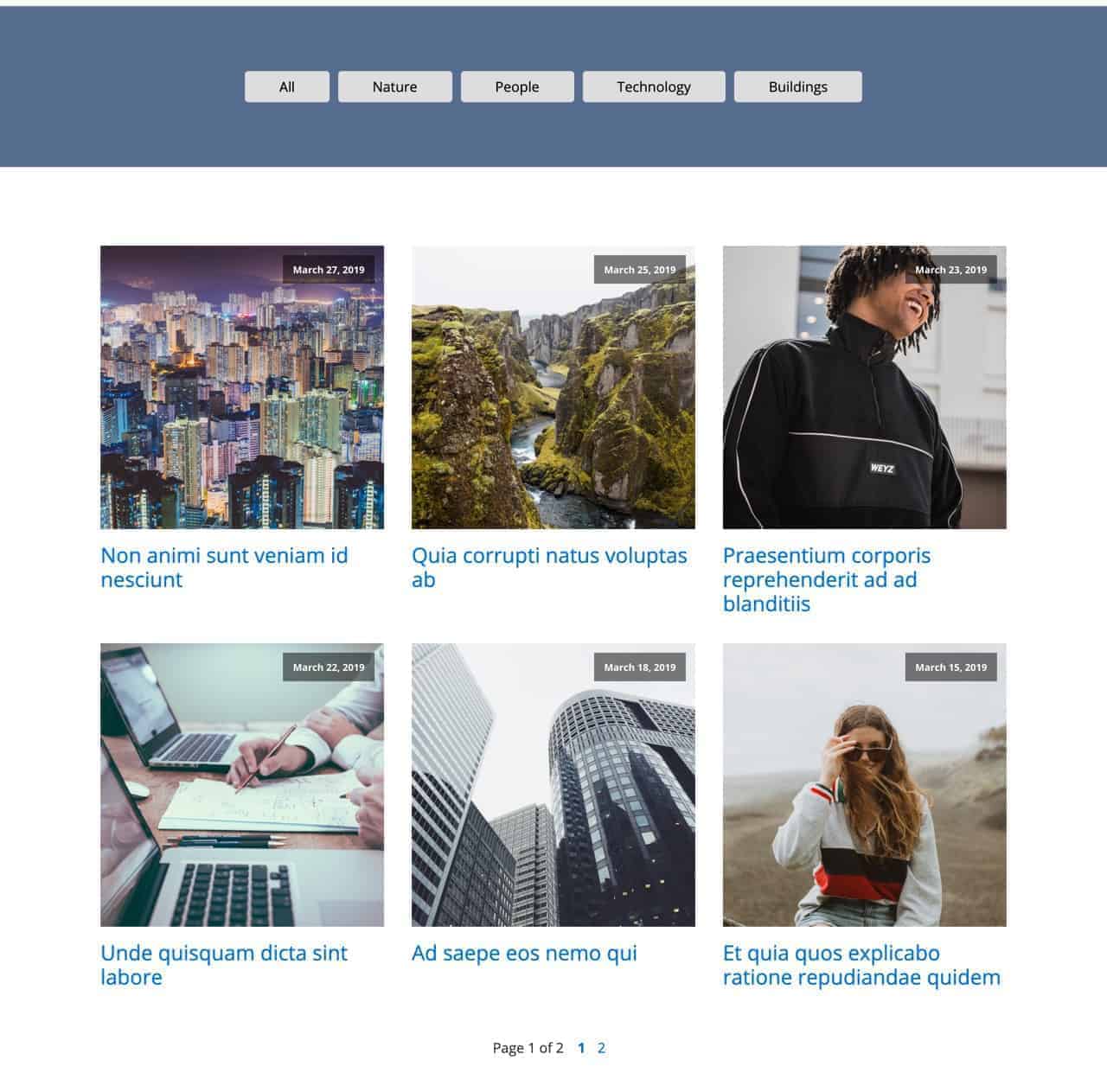
How to Filter Posts by Categories using FacetWP in Oxygen

Updated on February 14, 2021

This members-only tutorial provides the steps to add a row of filter buttons which when clicked show only the posts by the chosen category on the Posts page.

The benefit of using FacetWP over JavaScript solution like Isotope is that FacetWP supports pagination.

Step 1

Install and activate FacetWP.

Go to Settings > FacetWP.

Click on the Categories Facet.

This is a premium members-only content.

To view the rest of the content, please sign up for membership ($47/month or $599 one-time).

Already a member? Log in below or here.


Posted

in

, ,

by

Tags:

Comments

10 responses to “How to Filter Posts by Categories using FacetWP in Oxygen”

  1. thewhiterussian Avatar
    thewhiterussian

    An elegant solution. Thank you.

  2. info@driesrengle.be Avatar

    with me the ‘all’ buton doesn’t stay dark when in focus..

  3. djcdewit Avatar
    djcdewit

    Hi Sridhar, I’ve followed the tuturioal and when the page loads none of the buttons are visible apart from the All button.
    Only when the All button is pressed, the other categories appear. Any idea how to fix this?
    Thanks
    https://kiddostoysclub.com/blog/

    1. djcdewit Avatar
      djcdewit

      Strange… it’s not showing any of the categories now. But the other behavior is still happening, when I press the “all button”, it shows the “any button”.

      1. djcdewit Avatar
        djcdewit

        Fixed it now.

  4. djcdewit Avatar
    djcdewit

    When the page loads it shows all posts by default, how would I set it up to only show posts with category ‘blog’ for example?

    1. Sridhar Katakam Avatar

      Updated the tutorial to add code for pre-filtering by a specific category.

  5. Sanket Singh Avatar
    Sanket Singh

    hey,
    using wp grid builder for filtering,
    I want users can search listings on homepage but listings are on the other page, how can I target listing page from the homepage?
    thanks

    1. Sridhar Katakam Avatar

      Can you provide the URL of your site?

      Tried contacting Grid Builder support about this?

  6. simon Avatar
    simon

    Is it possible to use this approach also for repeater module? With custom post type “categorie” taxonomies.

Leave a Reply to Sridhar Katakam Cancel reply

Your email address will not be published. Required fields are marked *