YouTube Videos Gallery in Oxygen using ACF Repeater and GLightbox

This members-only tutorial provides the steps to display a responsive grid of YouTube video thumbnails with the titles and URLs taken from a Advanced Custom Fields' Repeater field in Oxygen. Clicking on a thumbnail will load the corresponding YouTube video in a lightbox with the option to navigate to previous and next video in the gallery.
If you do not want the lightbox functionality, follow this tutorial instead.
Backend:
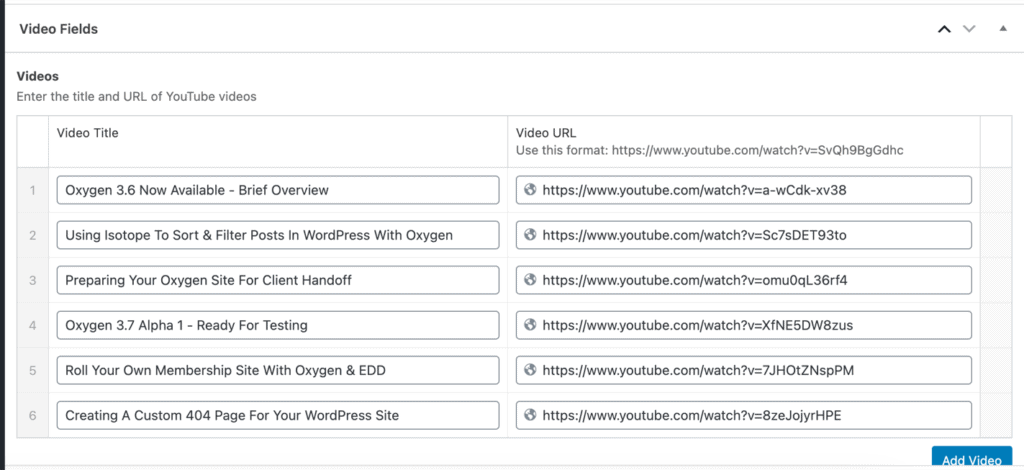
Frontend:
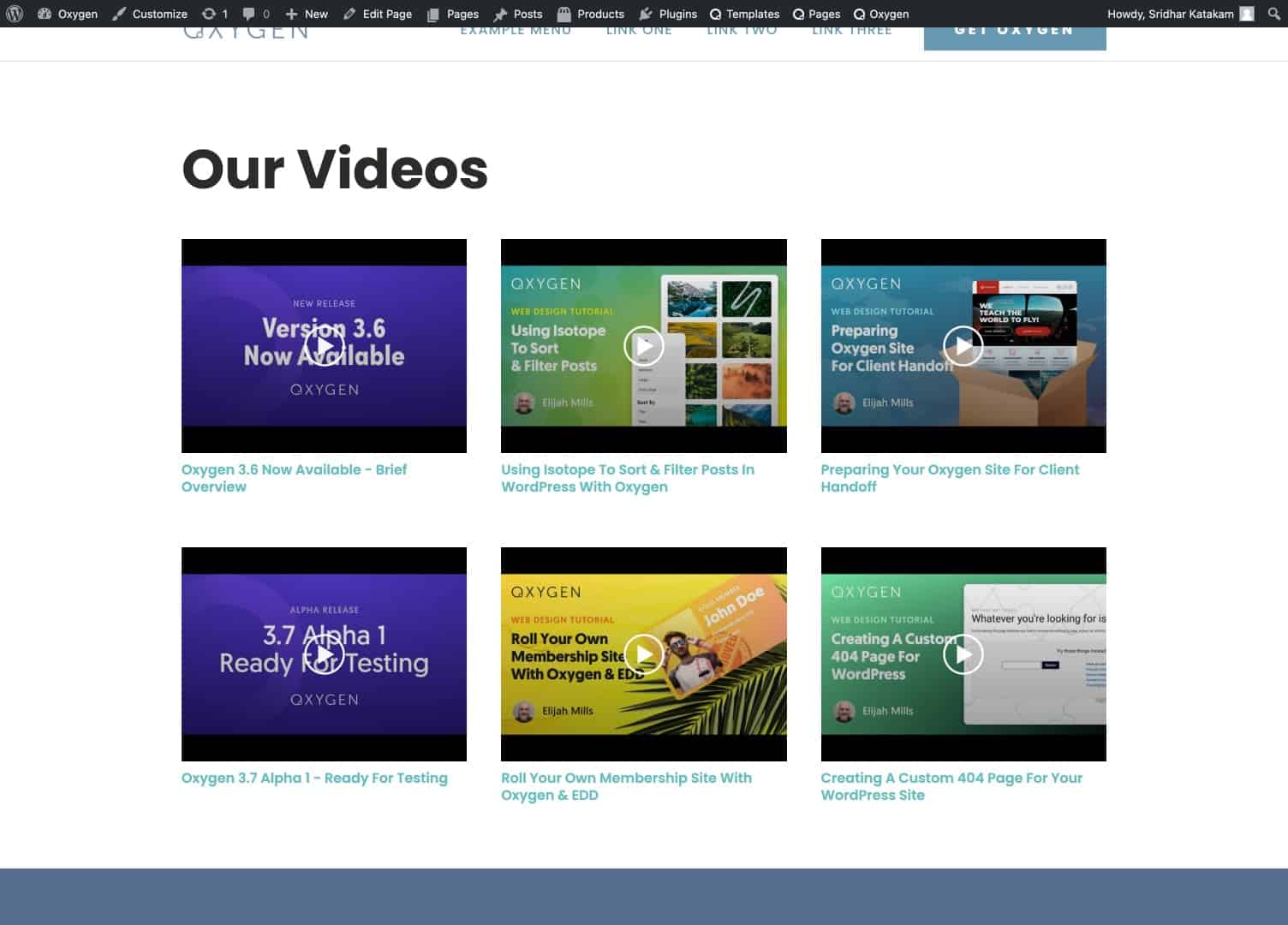
When a thumbnail is clicked, lightbox opens up
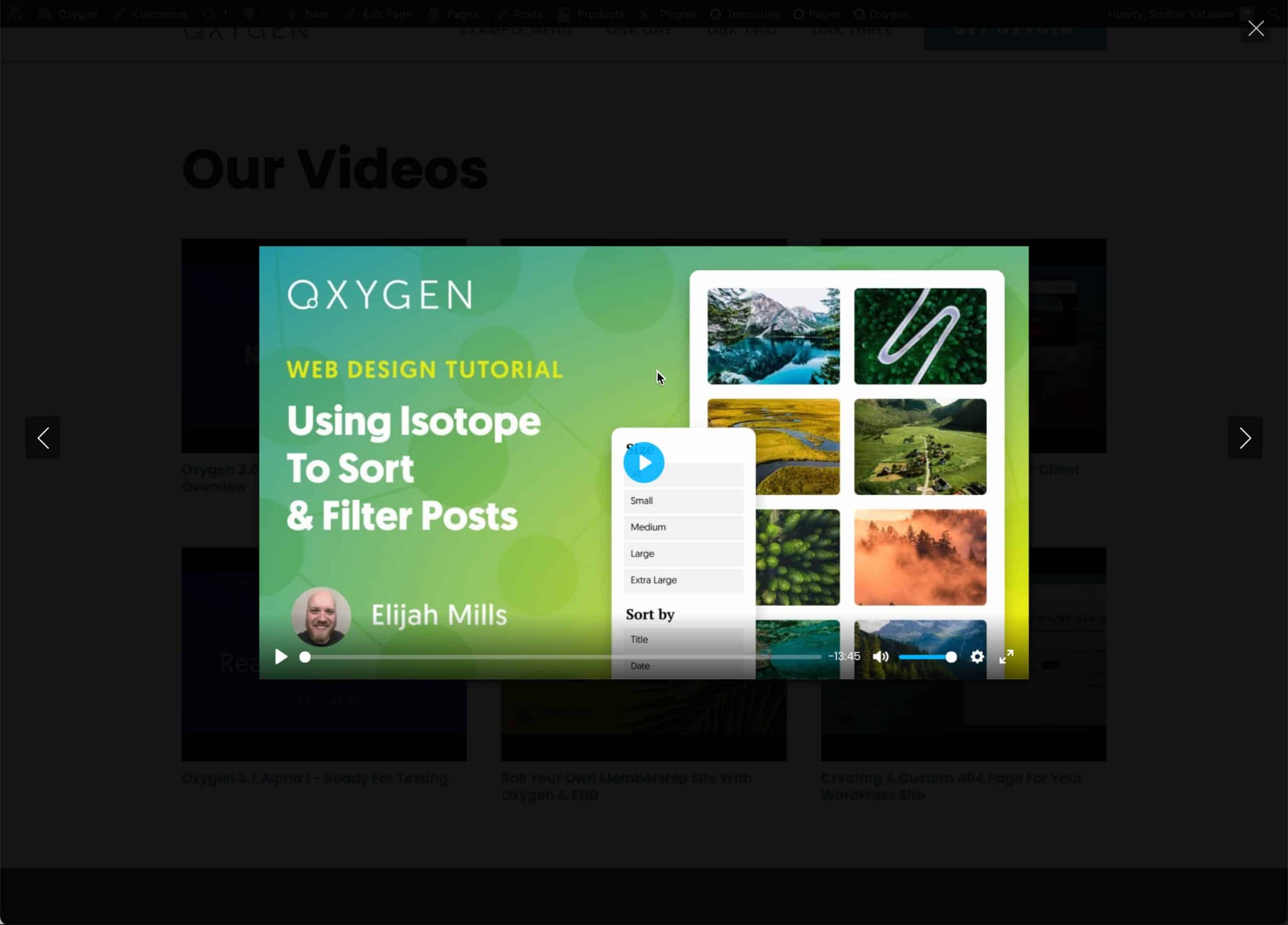
and the video starts playing.

Lightbox can be closed by clicking the x at the top right corner or by pressing Esc.
Users can go to previous and next videos by clicking the left and right arrows.
Step 1
Let's create a Page titled say, "Our Videos".
Step 2
Install and activate ACF Pro.
Go to Custom Fields > Tools.
Import this (mirror) field group.
Step 3
Edit your Page and add as many videos you want to show.
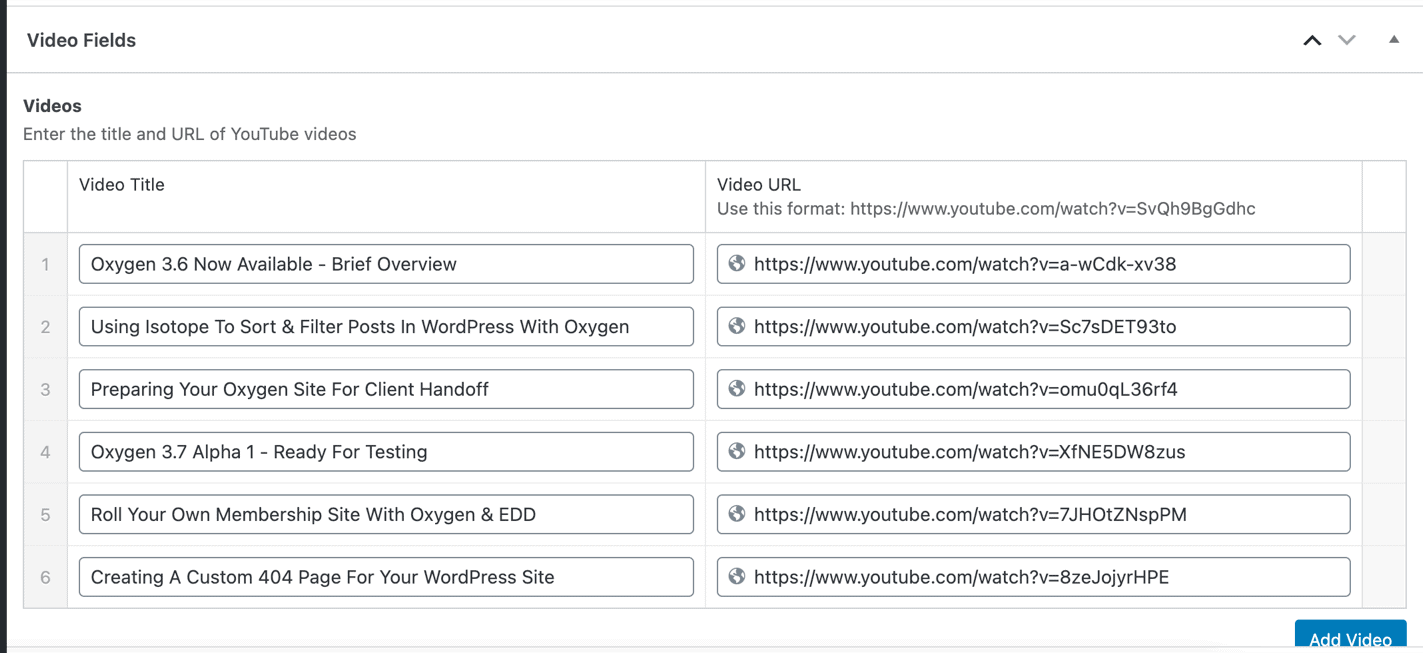
Step 4
Install and activate My Custom Functionality plugin.
Connect to your hosting account using a FTP client and navigate to site's /wp-content/plugins/my-custom-functionality-master.
Upload glightbox.min.css to the plugin's assets/css directory.
Upload glightbox.min.js to the plugin's assets/js directory.
Edit plugin.php and add the following inside the custom_enqueue_files() function: